03 / 05Operational Actions
Housekeeping TasksMaintenance TasksLost and Found
Turn what's noticed around the hotel into action with a clear owner — and keep it in view until it's resolved.
Operational Actions
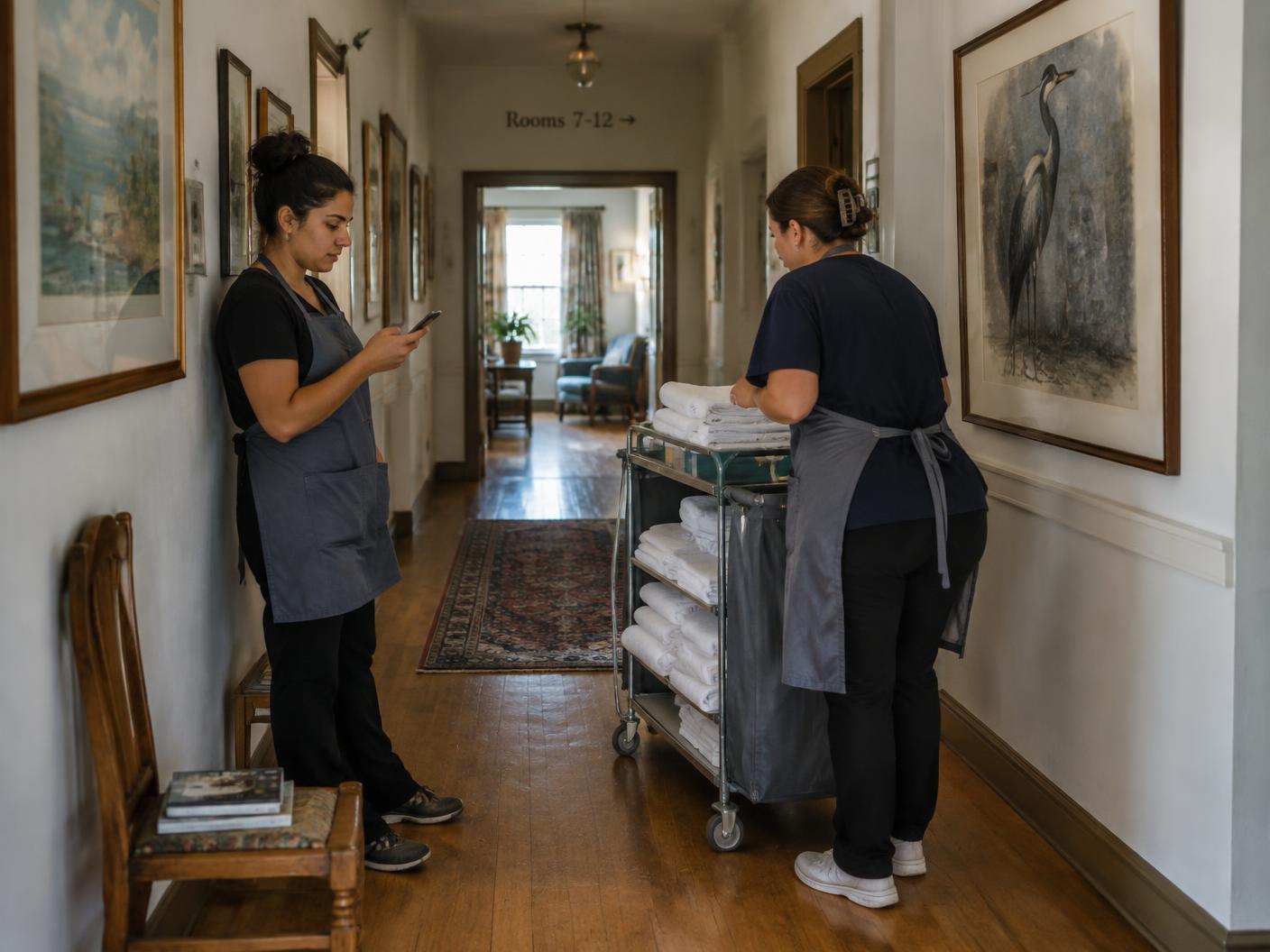
Housekeeping Tasks
Resolve housekeeping needs before they affect the guest.
- Report
- Assign
- Action
- Track
- Complete
- Review
A process for recording and resolving cleaning requirements, missing items, replacements and restocking.
Why it matters
Keep missing items, restocking and everyday housekeeping requests from being overlooked.
Explore what's included
- Cleaning and standards requirements
- Missing items and restocking
- Replacements
- Housekeeping communication
Operational Actions
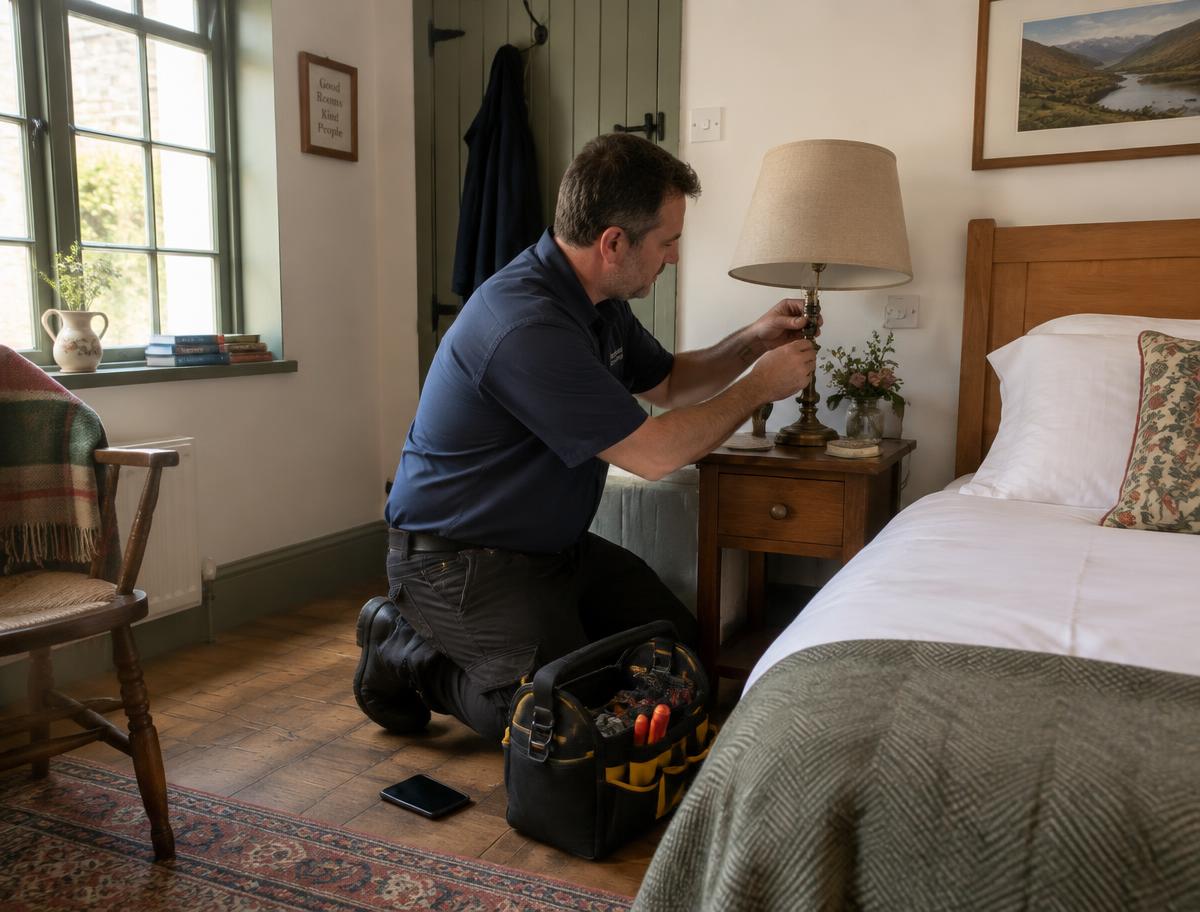
Maintenance Tasks
Assign broken, damaged or technical issues to the right team.
- Report
- Assign
- Action
- Track
- Complete
- Review
A process for recording and resolving anything broken, damaged or needing technical repair.
Why it matters
See what's broken, who's responsible and whether the issue has been resolved.
Explore what's included
- Photos and location
- Repair and technical requirements
- Sent to the maintenance team
- Repair updates and progress

Operational Actions
Lost and Found
Track lost property from discovery to resolution.
- Item logged
- Details & location
- Status tracked
- Manager action
- Return or closure
A record of every lost or found item, followed through to return or closure.
Why it matters
Keep track of lost property from the moment it's found until it's returned or closed.
Explore what's included
- Item details and location
- Return or closure status
- Manager's action recorded
- Searchable history
How a task moves
Reported. Owned. Done.
- 01
Report
The issue is captured on a phone, with details, photos and location.
- 02
Assign
The right person or team is assigned and the room status is updated.
- 03
Action
Everyone involved stays connected in the task chat.
- 04
Track
Progress is tracked, and purchase requests are approved or declined.
- 05
Complete
The task is marked complete when the work is done.
- 06
Review
Management reviews and closes the task.
Where management sees it
From everyday tasks to the bigger picture.
Right Swipe brings operational updates together, helping management see what needs attention and where action is needed.
See what needs your attention.
We'll show you HouseProud in a hotel that looks like yours.